01
Choose your space
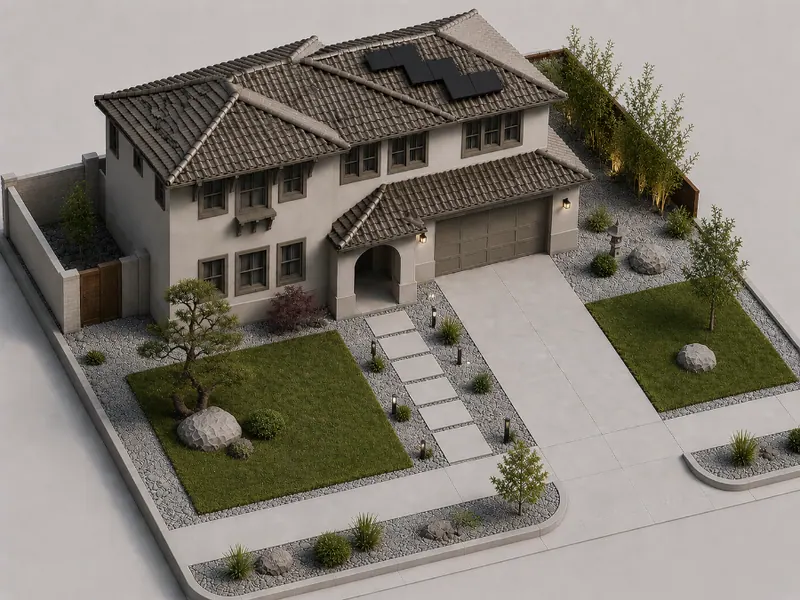
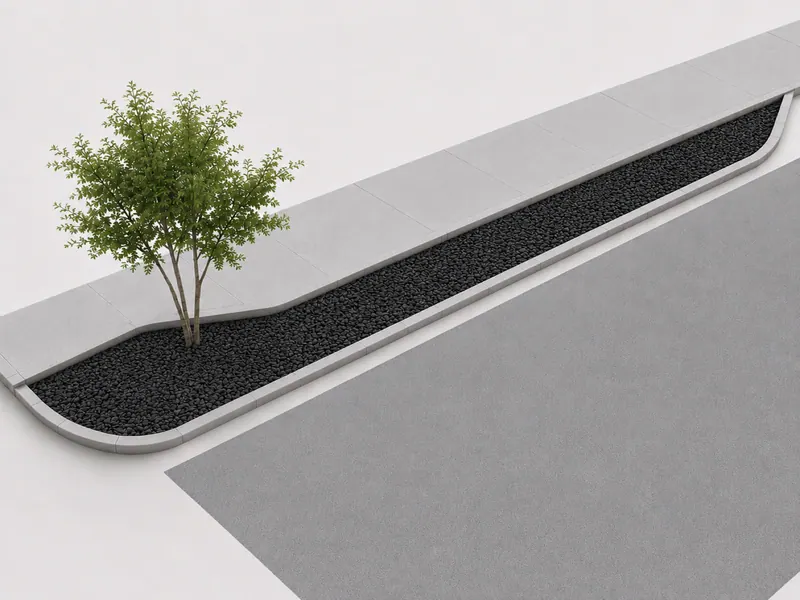
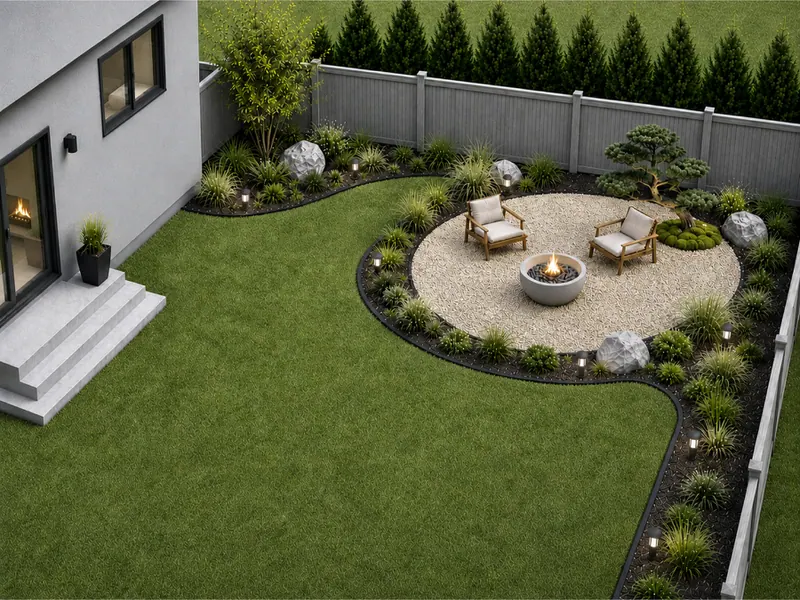
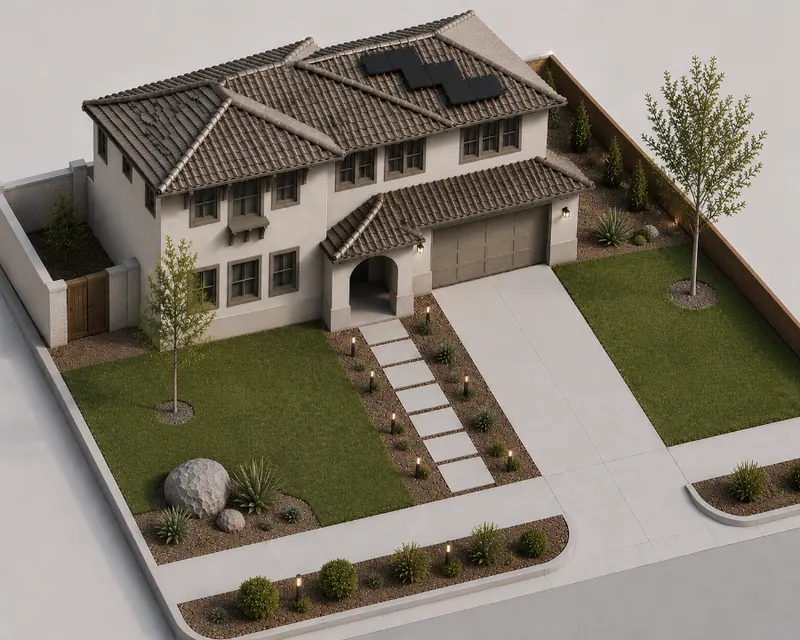
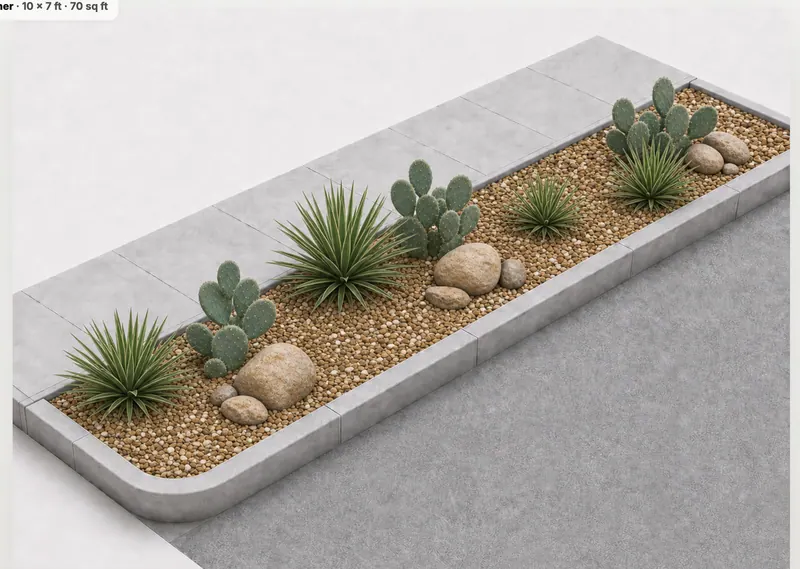
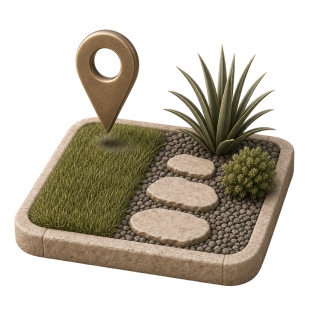
Select an area to improve, from a sidewalk strip or front yard to a simple backyard project area.

Choose your space, plants, and materials. Get everything you need to bring your design to life.
Design my spaceMake a few clear choices, preview the result, and get the guidance to build it yourself.
Select an area to improve, from a sidewalk strip or front yard to a simple backyard project area.
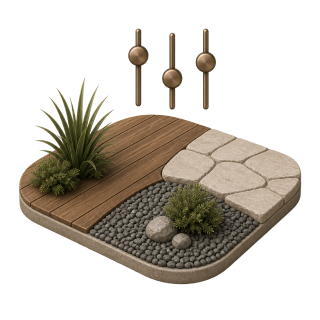
Choose the shape, size, base material, and planting level, then preview how your finished outdoor space could look.
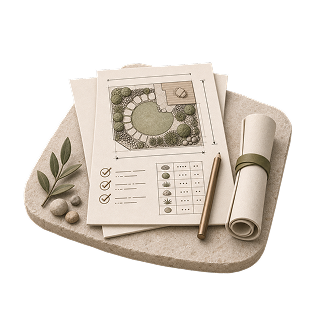
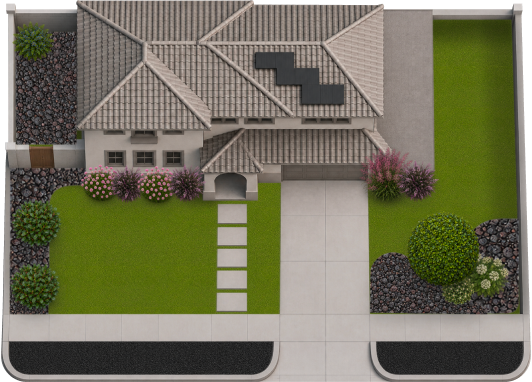
Purchase and download an illustrated plan matched to your choices, with quantities, dimensions, a checklist, and installation guidance.
Plan a small front-yard strip or a simple backyard zone without redesigning the whole property.
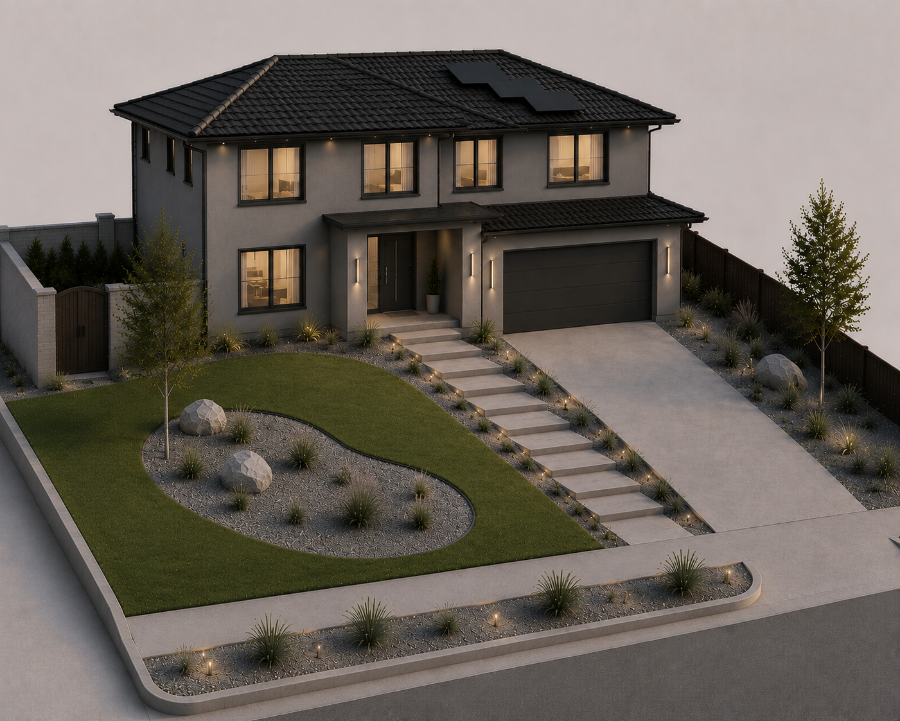
Refresh curb strips, corner beds, and narrow areas along sidewalks or driveways.
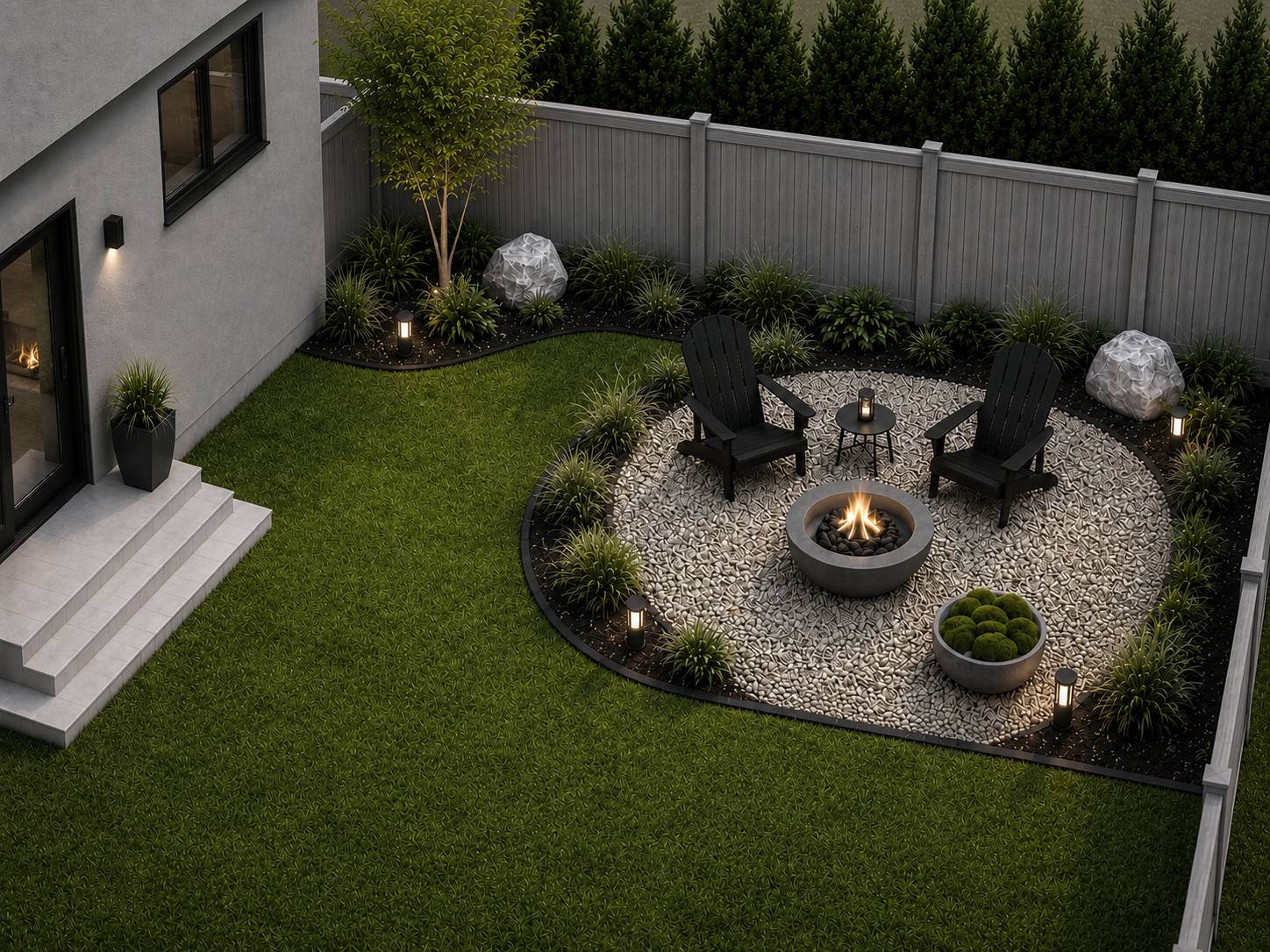
Create a quiet seating nook, gravel pad, or planted corner without changing the whole yard.
Compare materials, planting levels, and layout options before choosing the direction that fits your home.
Preview a direction for your outdoor space, then continue to choose the shape, size and planting style for your DIY plan.
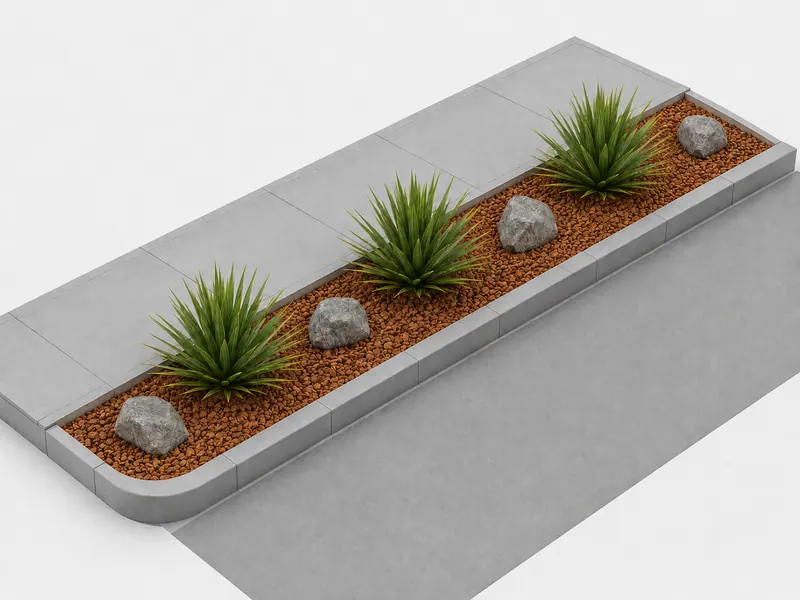
*Estimated after plants are established, using a 16-week dry season and approximately 75% lower irrigation needs. Actual savings vary.
Explore different materials, planting and layouts. Then build your own combination in the Constructor.
Try the Constructor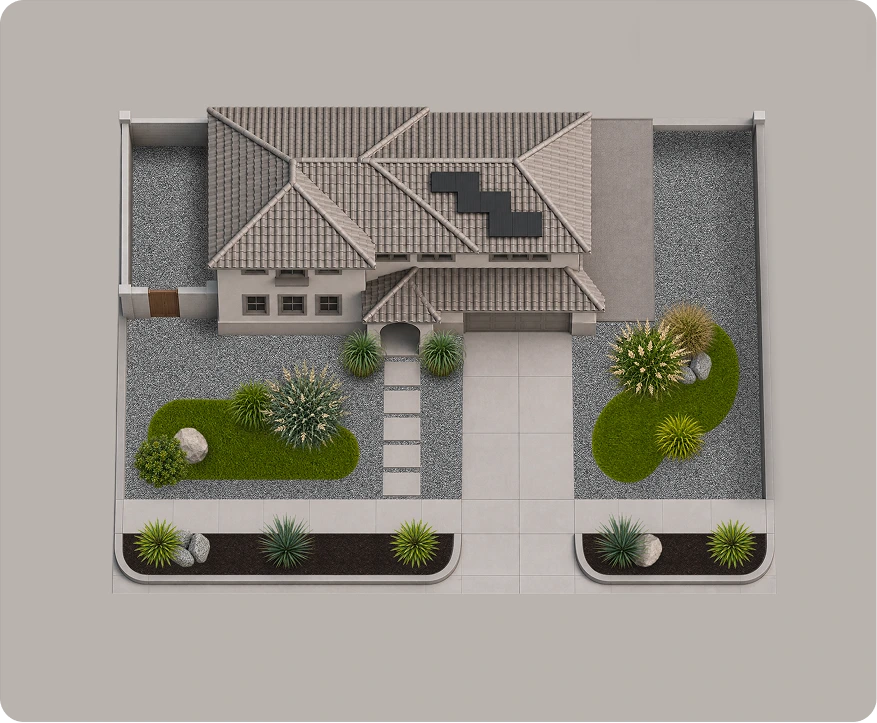
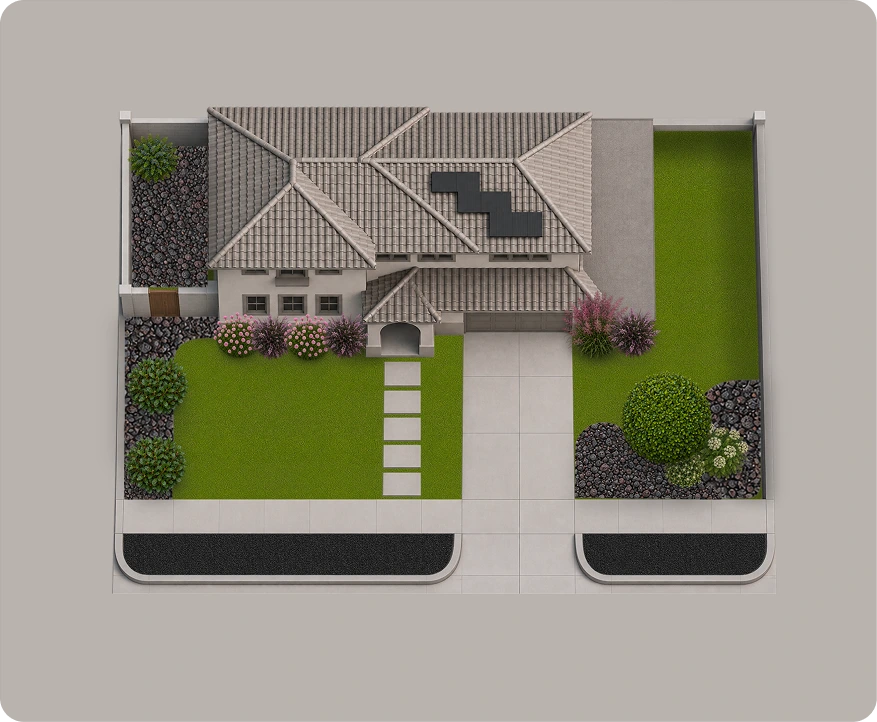
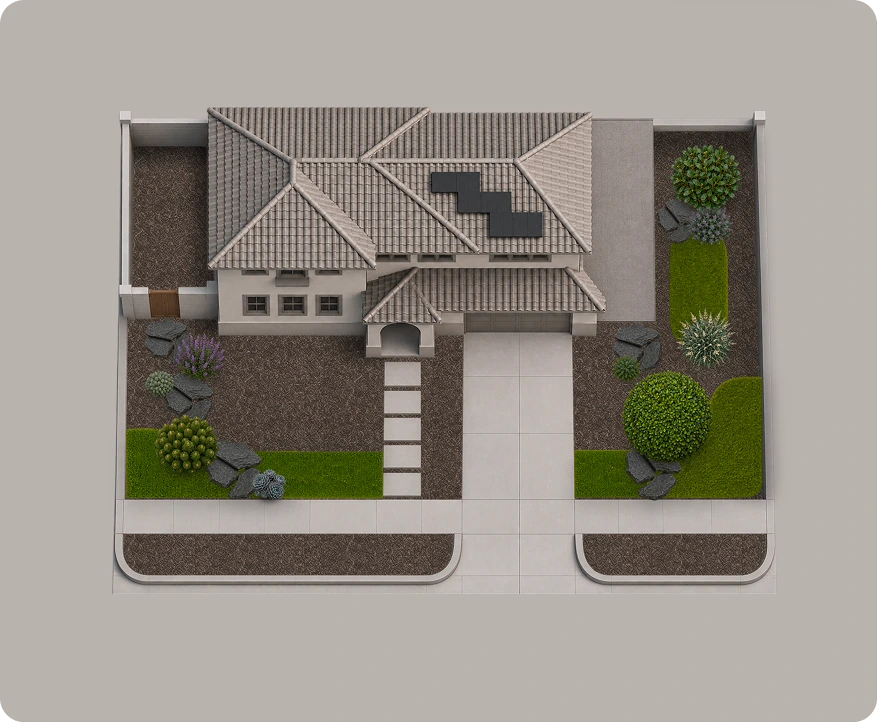
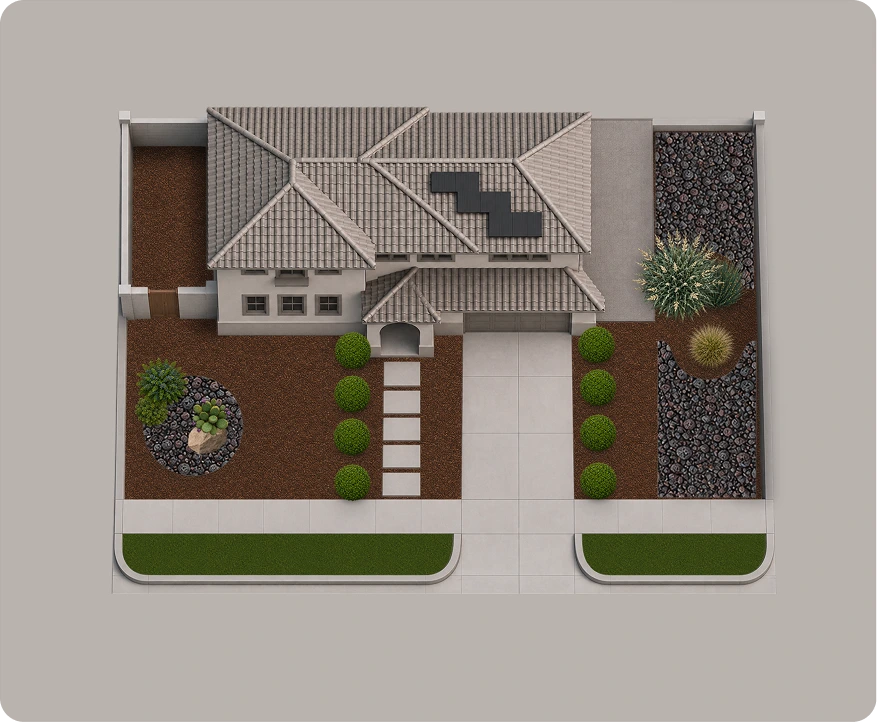
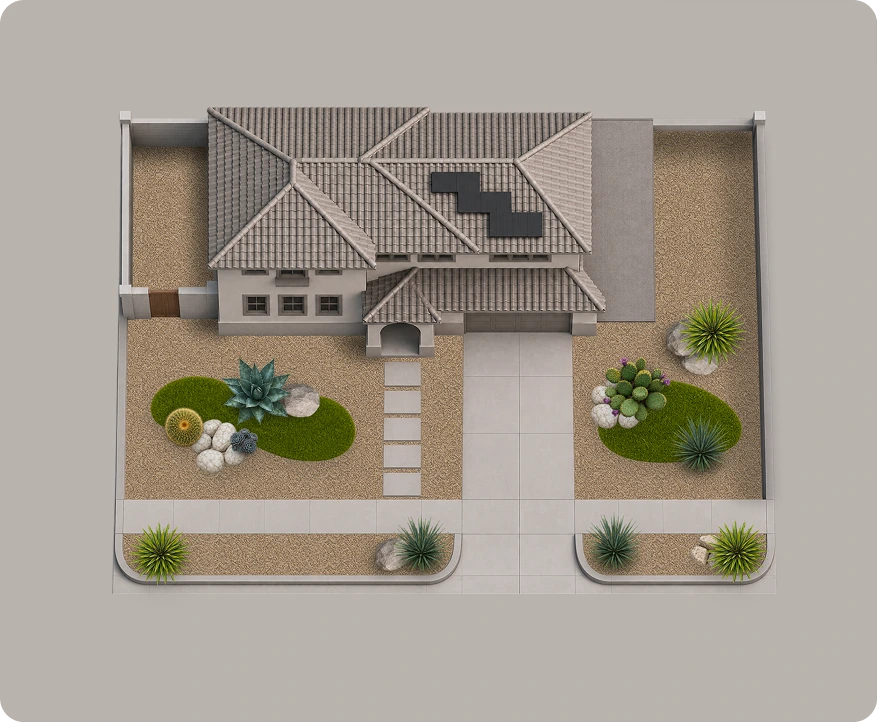
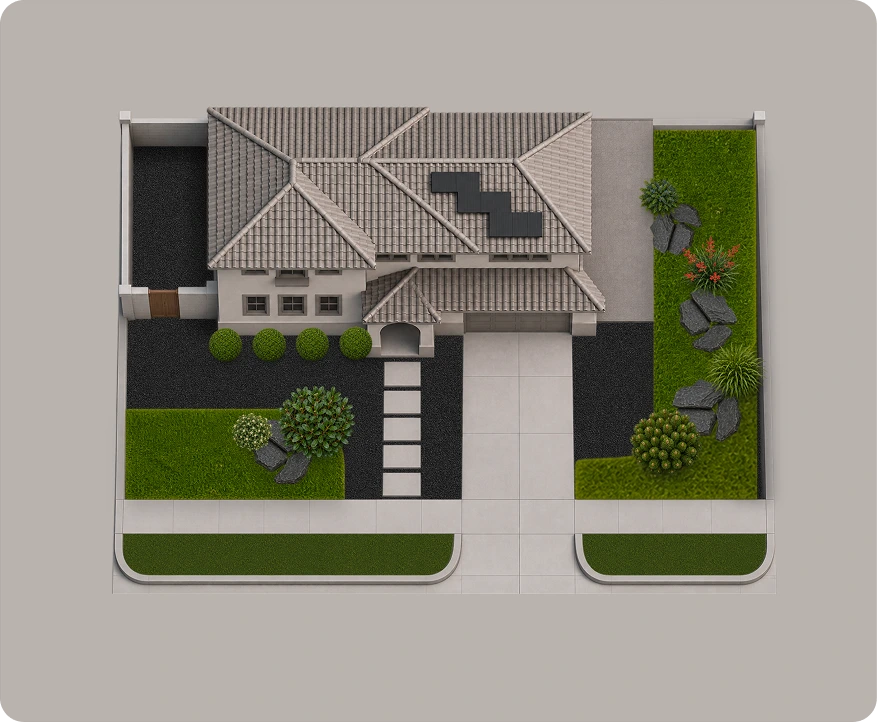
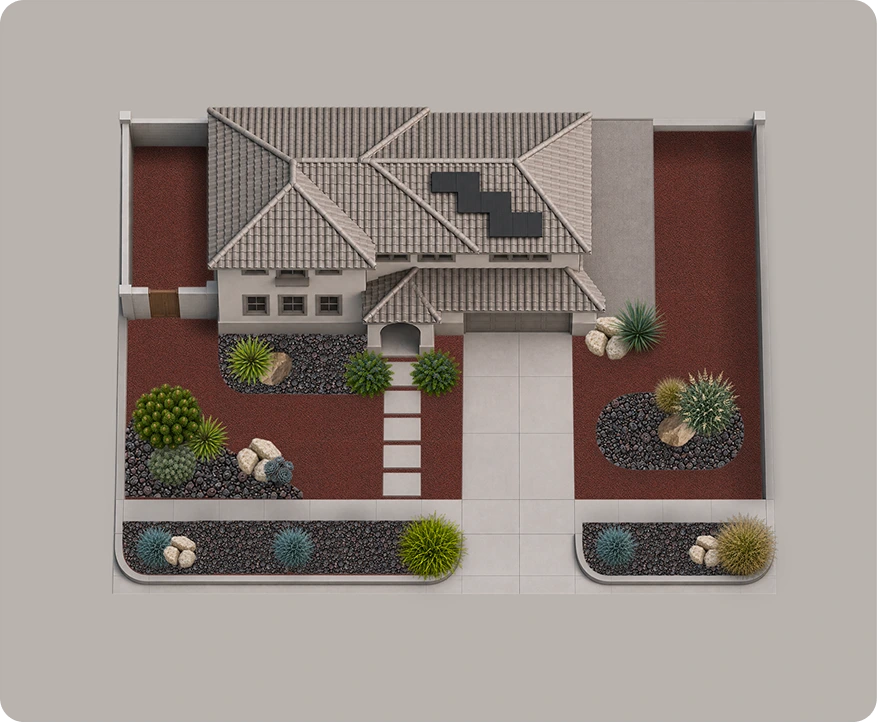
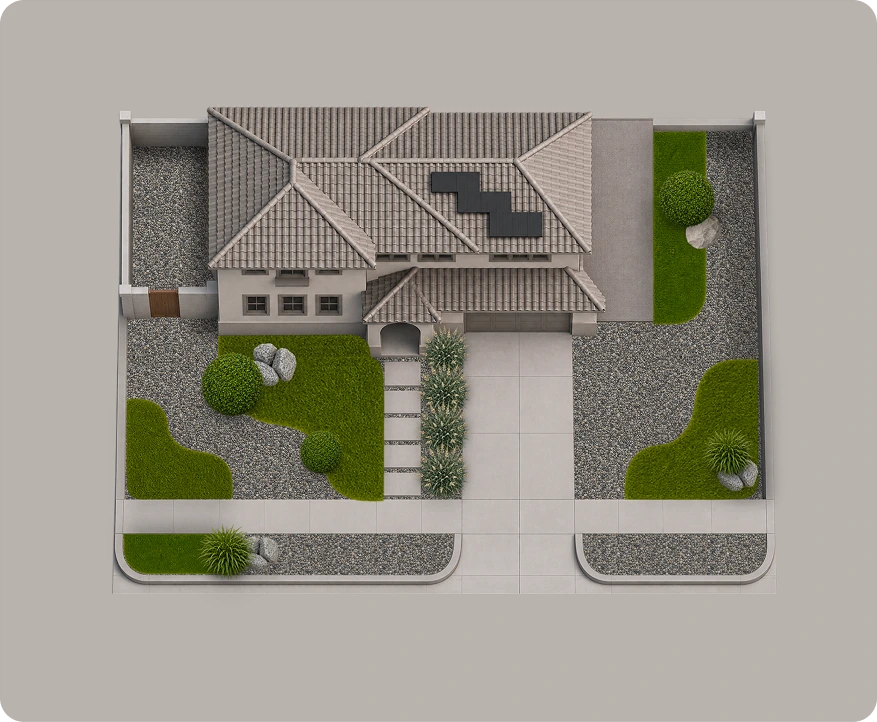
You’ll receive material and plant quantities, project dimensions, a suggested layout, a shopping checklist, and illustrated installation steps.
Yes. Your PDF matches the space, shape, size, material, and planting level selected in the Yardlet configurator.
The DIY plan is based on your selected configuration, but it doesn’t include a review of your actual property. Choose a personal consultation for a plan based on your photos and measurements.
After your purchase, you’ll receive a PDF download link on the confirmation page and by email.
Digital plan purchases are generally final once delivered, subject to applicable consumer rights. For missing files, technical problems or AI credit issues, see our Refund Policy.
Sign in with your email, upload a JPG, PNG or WebP photo under 15 MB, then place pins and describe what you want to change. Generate a concept, review the suggested materials and steps, and download your image or PDF. Generation usually takes about 30 seconds–1 minute, but timing varies.
Each signed-in account gets one free generation. A one-time CA$9.99 purchase adds 20 total generations or refinements. There is no subscription or shared daily generation cap. Once those credits are used, you can buy another pack of 20. Purchases and remaining credits stay with the same account.
Yes. Refine starts from a saved concept and uses one credit when you generate a new version. You can go back to your previous design and view saved versions in your profile. Viewing designs and exporting them do not use credits. At zero credits, Generate or Refine opens the option to buy more.
Pins guide the AI, but they are not exact boundaries. Nearby objects, plants or structures may also change, and results can miss details. Use clear instructions and check the whole image before planning any work.
They are preliminary planning guides, not measured construction plans or supplier quotes. The initial estimate assumes 100 sq ft unless you update the project area. Costs cover suggested new materials and exclude labour, tools, disposal, delivery, taxes and structural work. Confirm dimensions, quantities, local prices, plant suitability and safety with suppliers or qualified professionals.
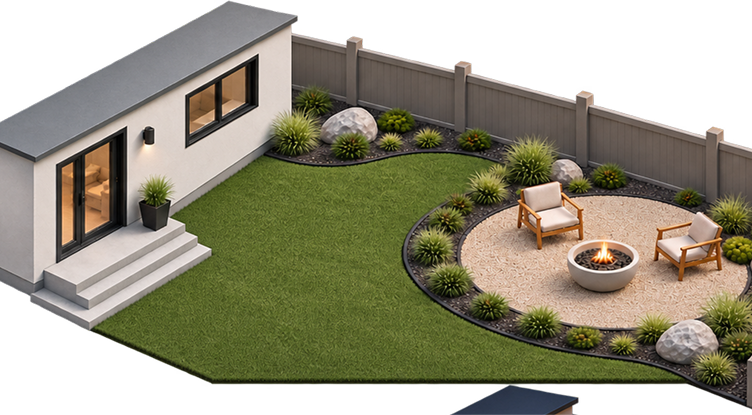
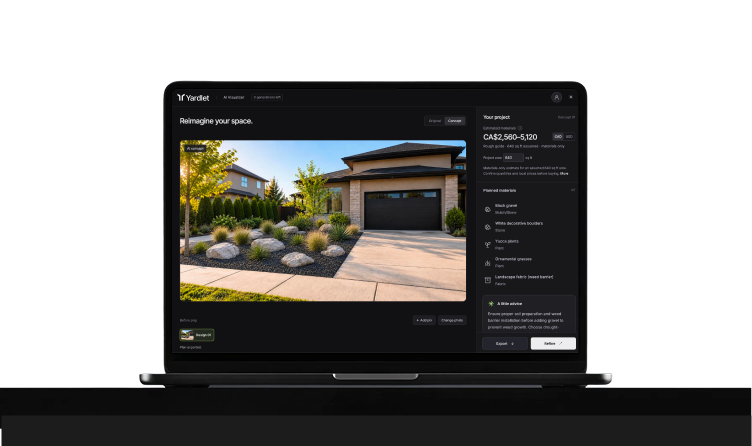
Explore AI landscape design for your backyard or front yard. Upload a photo, describe your idea, and preview new possibilities.
Your first design is free.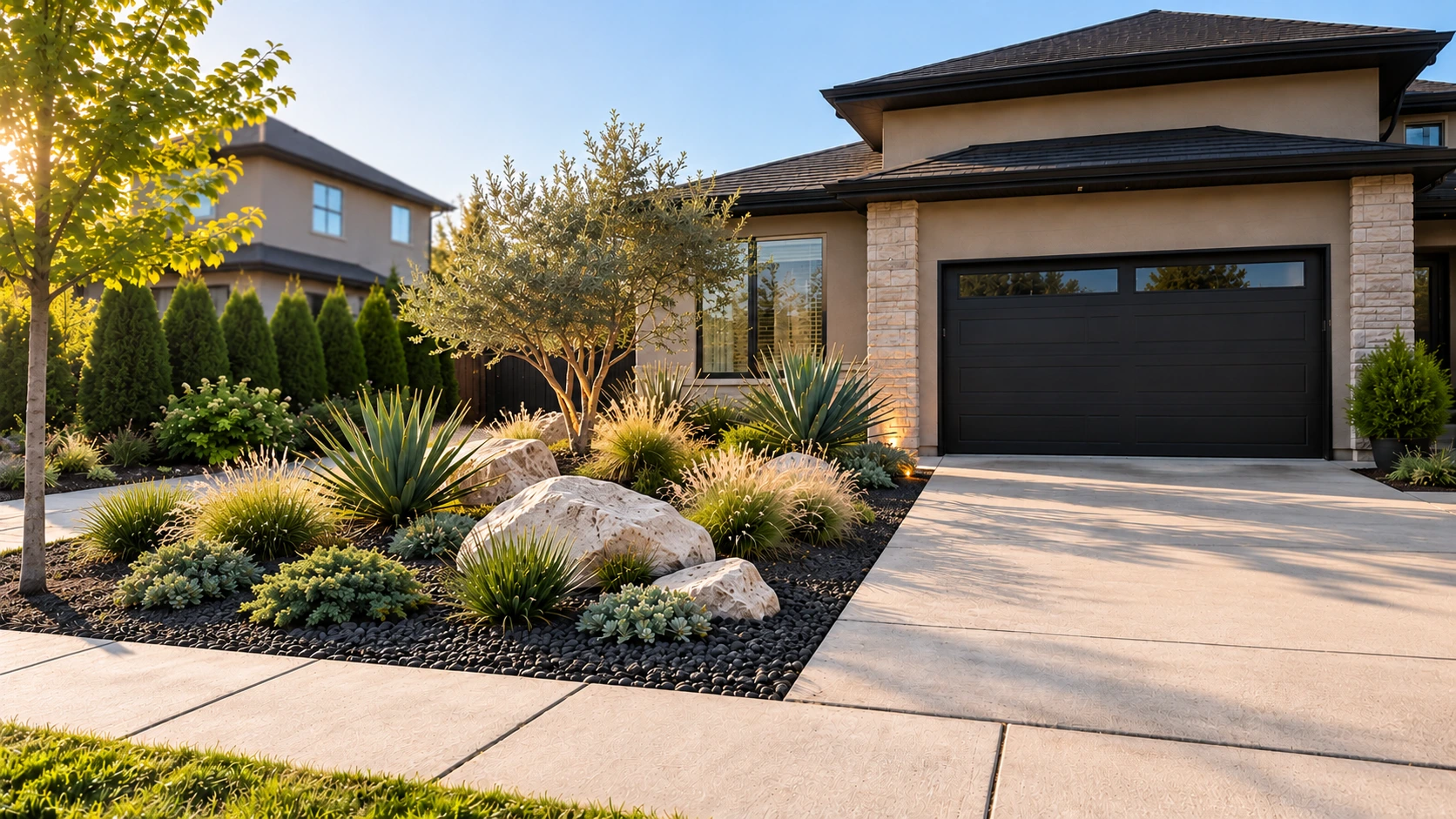
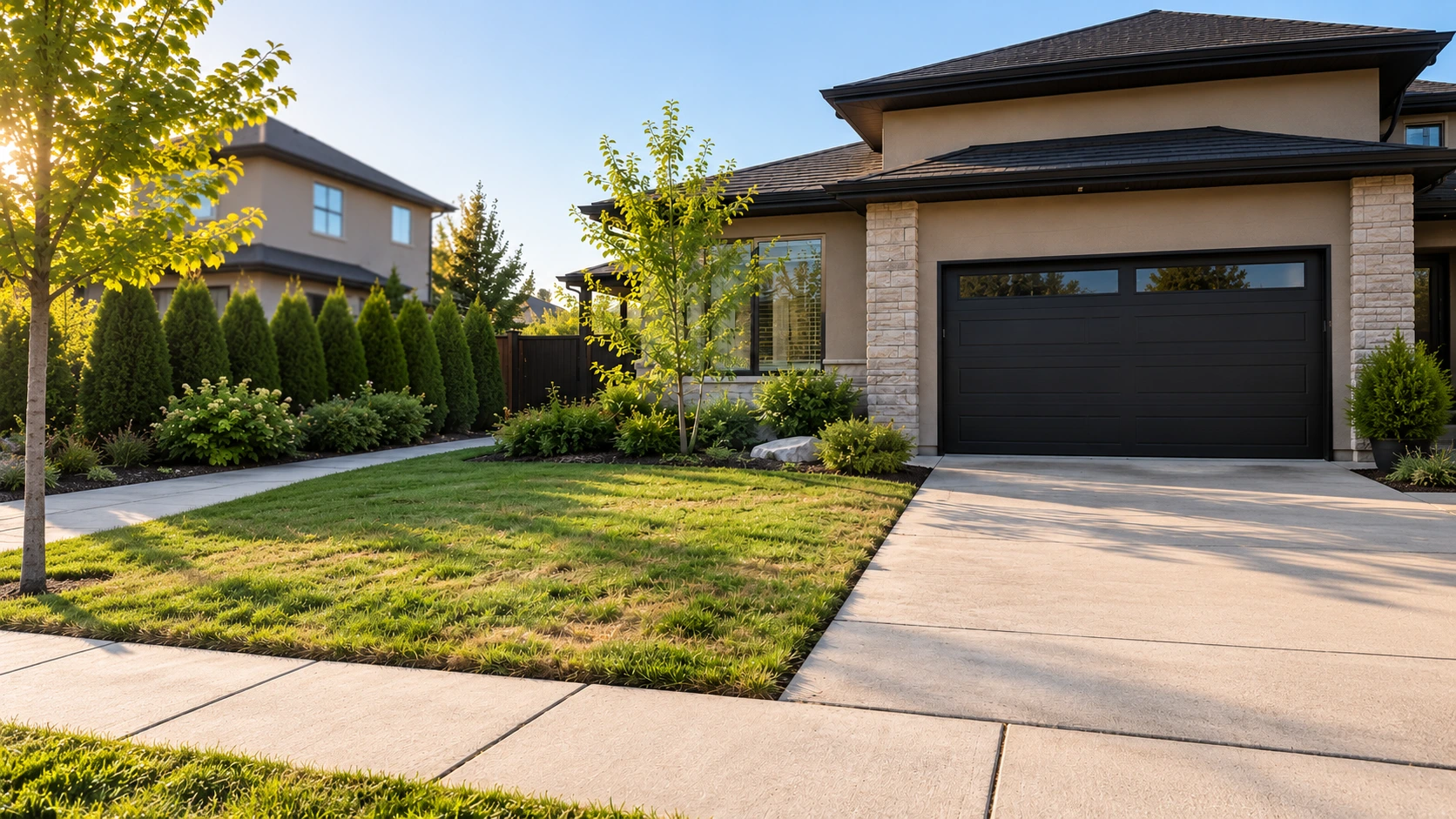 BeforeConcept
Turn problem areas into spaces you’ll love.
Upload a photo of the space you want to improve.
Mark problem spots and describe what you'd like to change.
Explore AI redesigns and find a look you love.
Get materials, cost estimates, and a step-by-step DIY guide.
A new material. A softer edge.
A fresh perspective on your everyday outdoors.
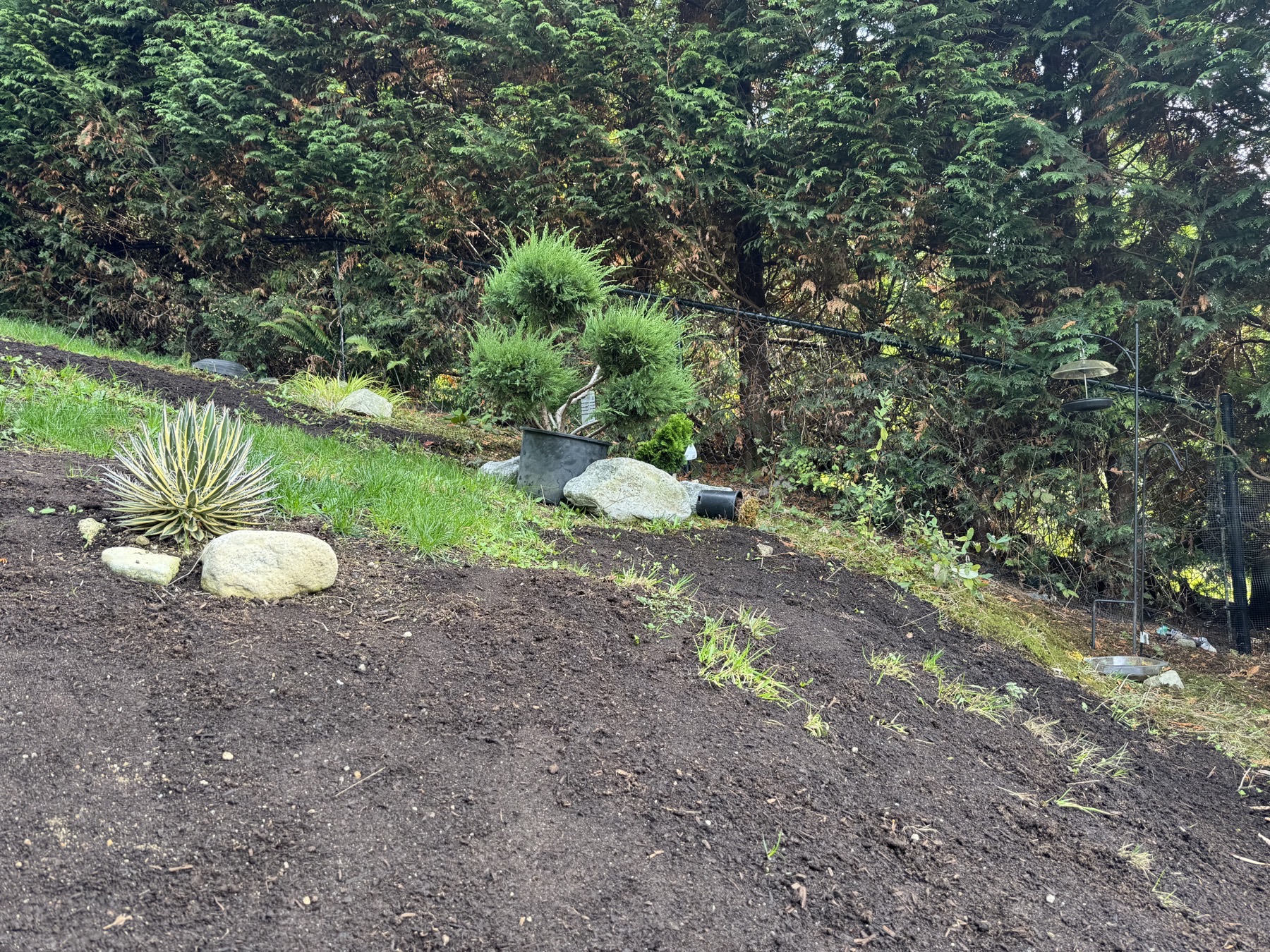 BeforeConcept
A real garden, reimagined with a gravel path and softer planting.
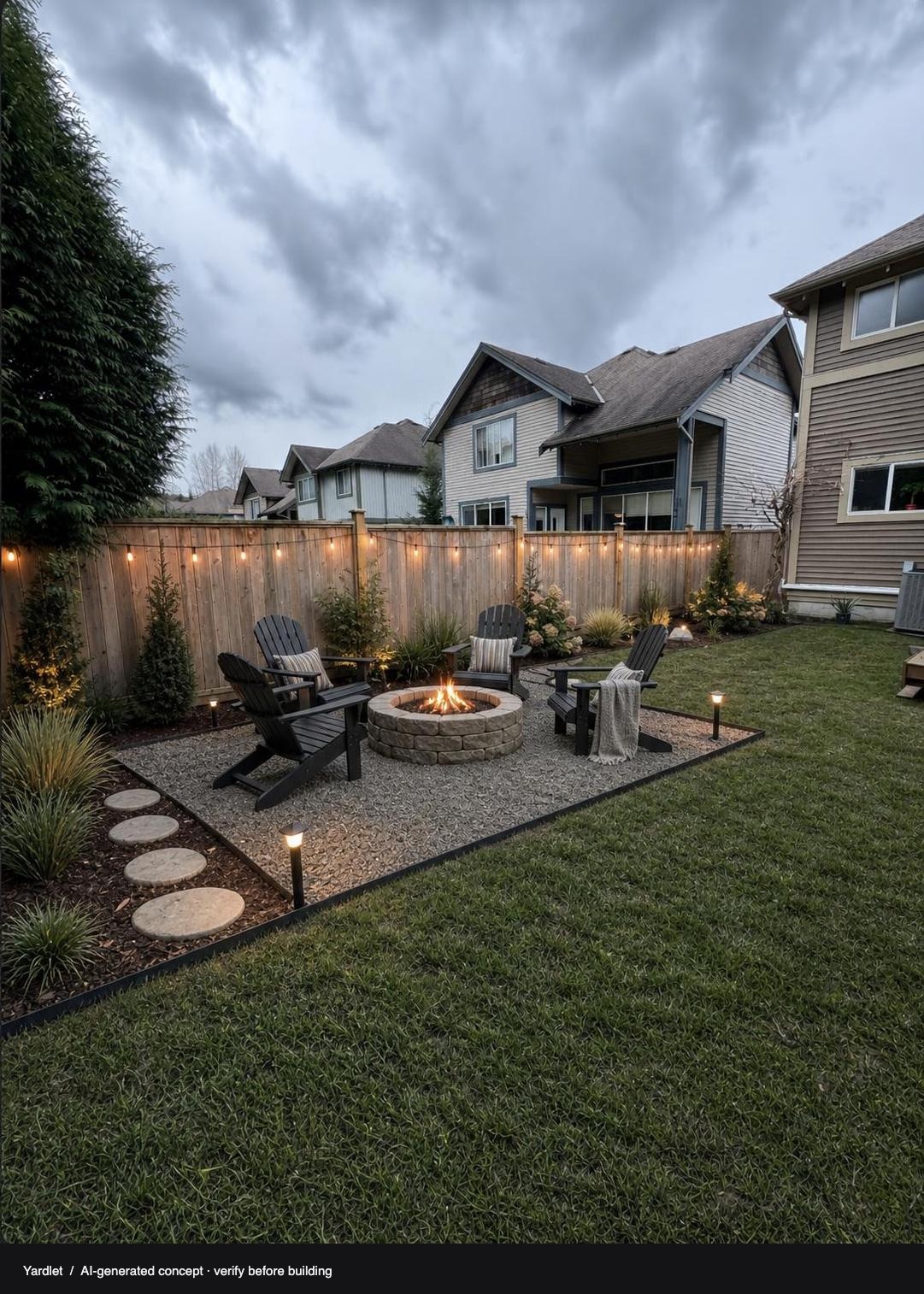
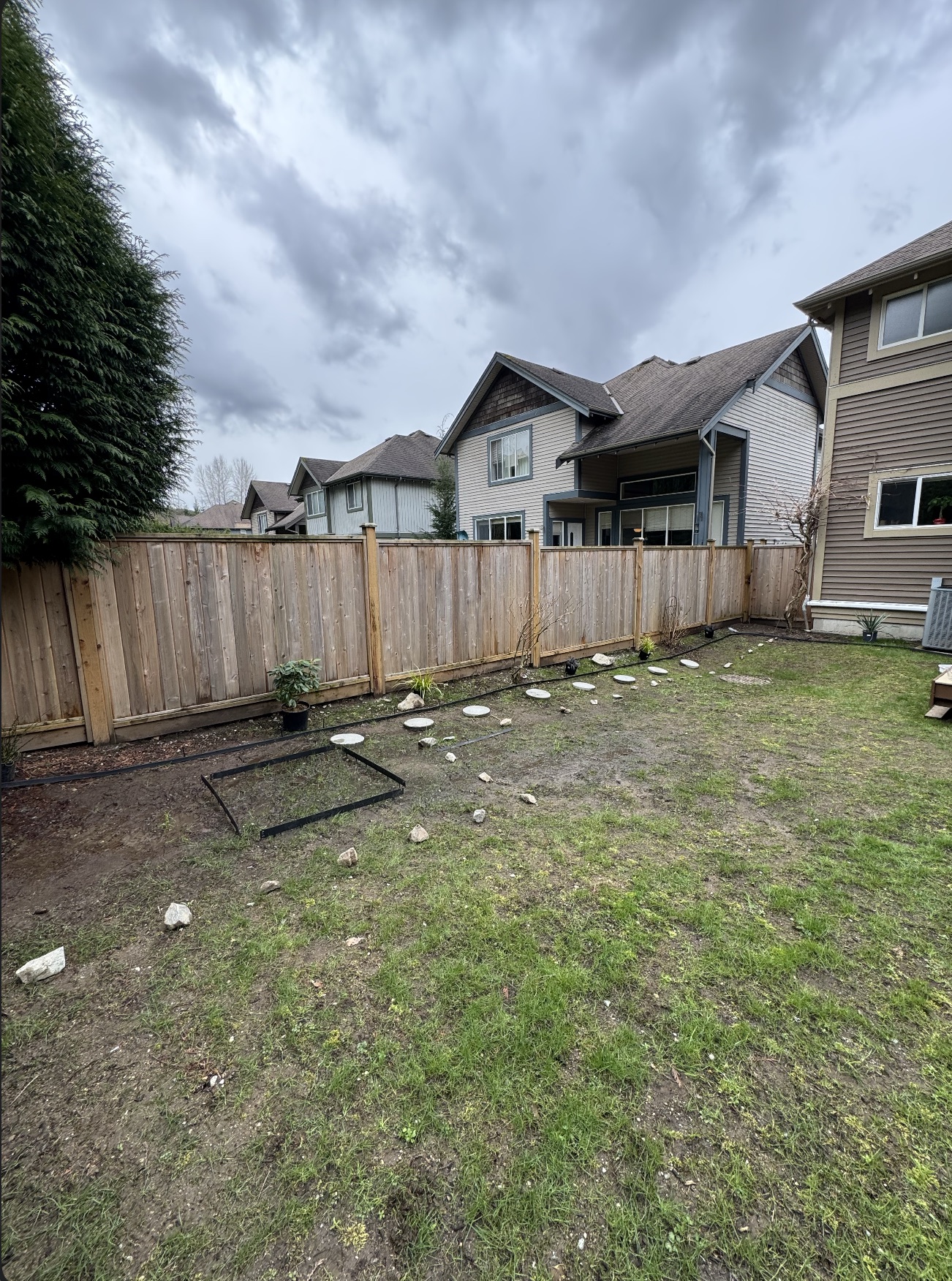 BeforeConcept
A real yard photo, reimagined with an AI fire-pit seating area.
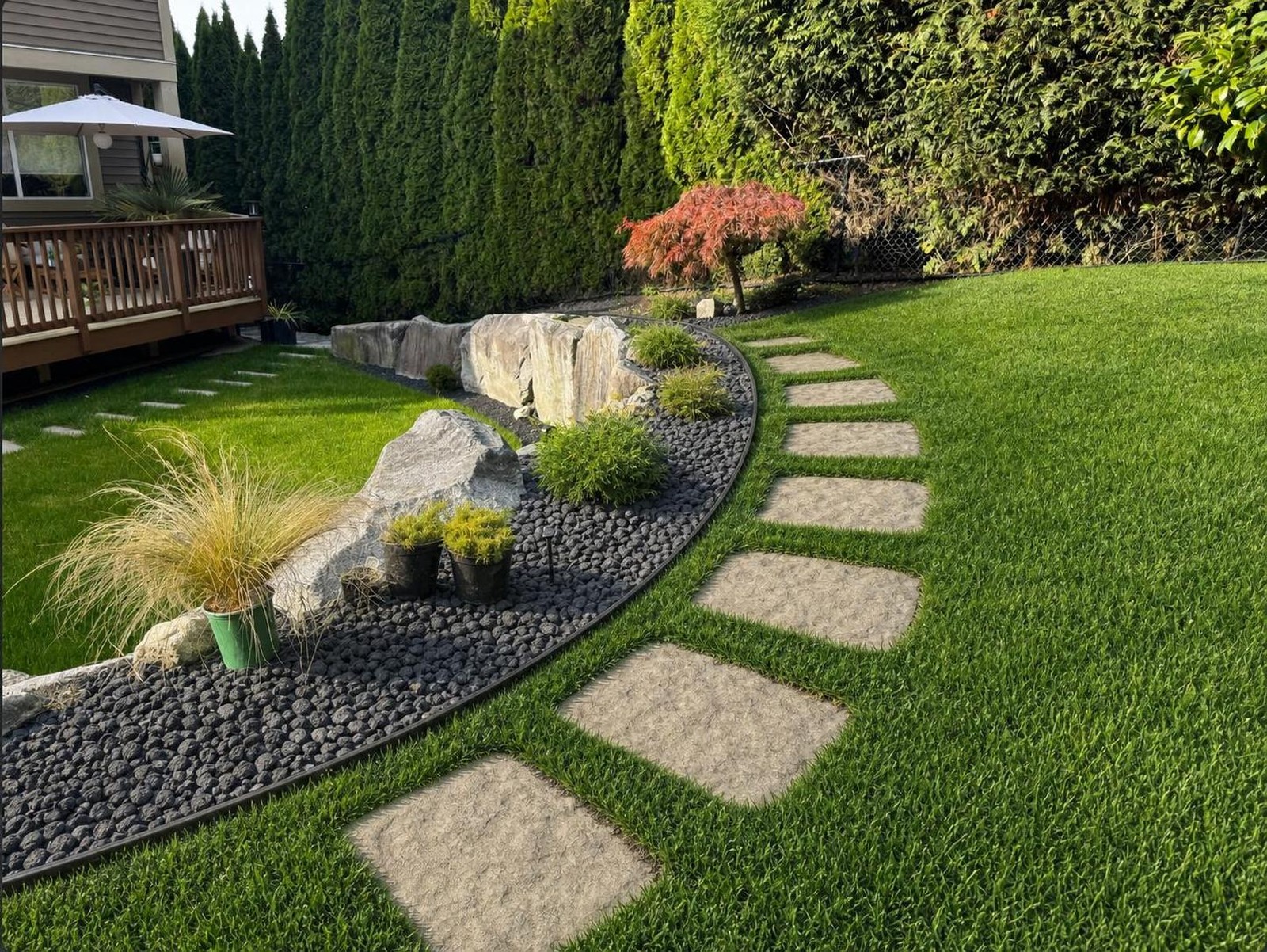
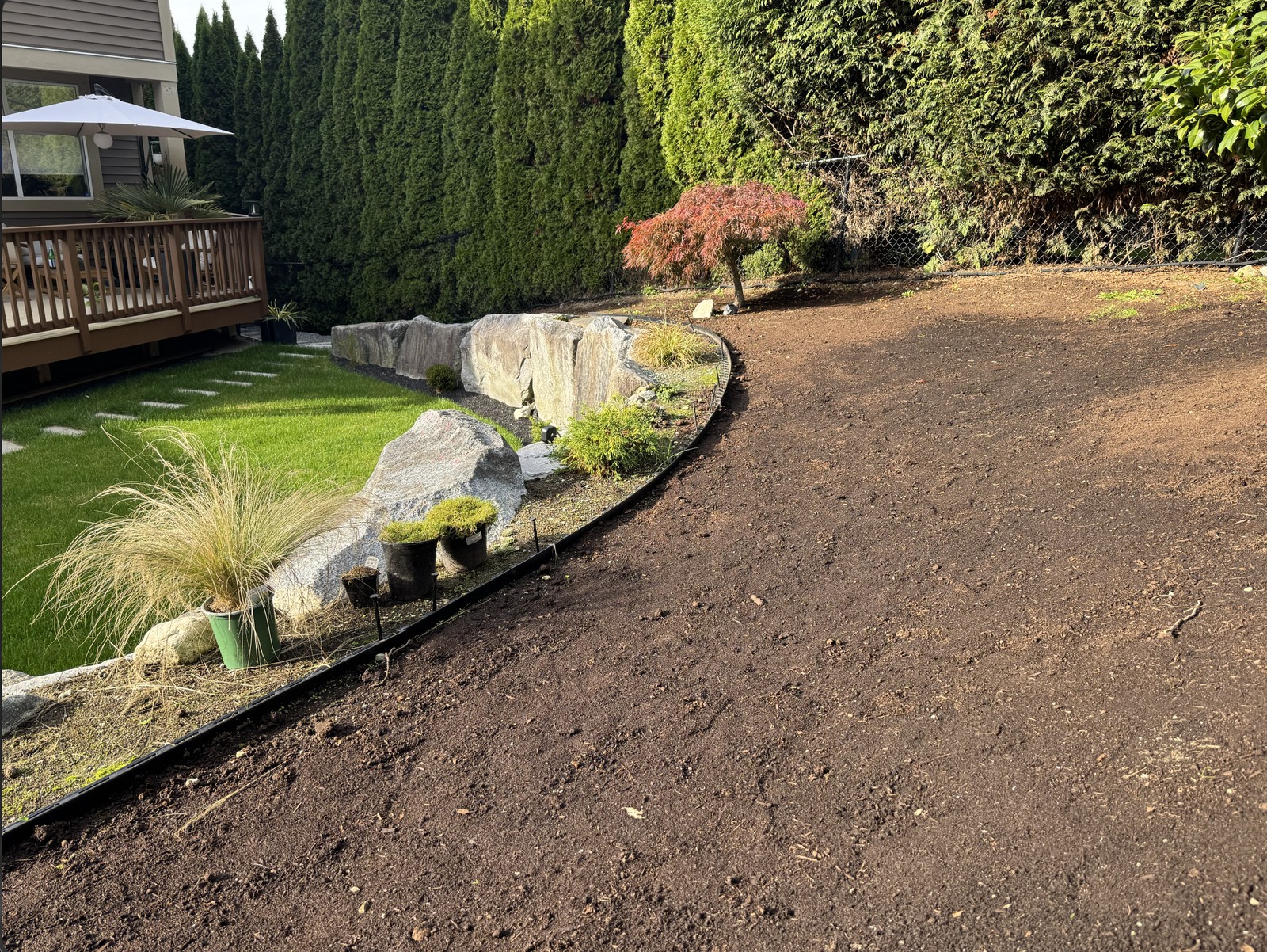 BeforeConcept
Turn an unfinished corner into a green retreat with a stepping-stone path.
A vision is just the beginning.
Bring your concept into focus.
Explore and refine ideas for the area you select.
Discover materials and planting options to match your direction.
Explore approximate material costs after confirming dimensions.
Export your concept with materials and practical next steps.
Pictures inspire. Measurements make the plan.
Cost ranges use an assumed area. Confirm dimensions and local prices before buying.
Explore an idea. Refine your design.
Make the next step feel a little clearer.
One free generation per signed-in account. Buy another pack when your purchased credits run out.
AI concepts and cost ranges are planning guides; results may vary.
Sign in with your email, upload a JPG, PNG or WebP photo under 15 MB, then place pins and describe what you want to change. Generate a concept, review the suggested materials and steps, and download your image or PDF. Generation usually takes about 30 seconds–1 minute, but timing varies.
Each signed-in account gets one free generation. A one-time CA$9.99 purchase adds 20 total generations or refinements. There is no subscription or shared daily generation cap. Once those credits are used, you can buy another pack of 20. Purchases and remaining credits stay with the same account.
Yes. Refine starts from a saved concept and uses one credit when you generate a new version. You can go back to your previous design and view saved versions in your profile. Viewing designs and exporting them do not use credits. At zero credits, Generate or Refine opens the option to buy more.
Pins guide the AI, but they are not exact boundaries. Nearby objects, plants or structures may also change, and results can miss details. Use clear instructions and check the whole image before planning any work.
They are preliminary planning guides, not measured construction plans or supplier quotes. The initial estimate assumes 100 sq ft unless you update the project area. Costs cover suggested new materials and exclude labour, tools, disposal, delivery, taxes and structural work. Confirm dimensions, quantities, local prices, plant suitability and safety with suppliers or qualified professionals.
What it could look like.
Your downloadable plan is matched to the space, material, and planting style you select.
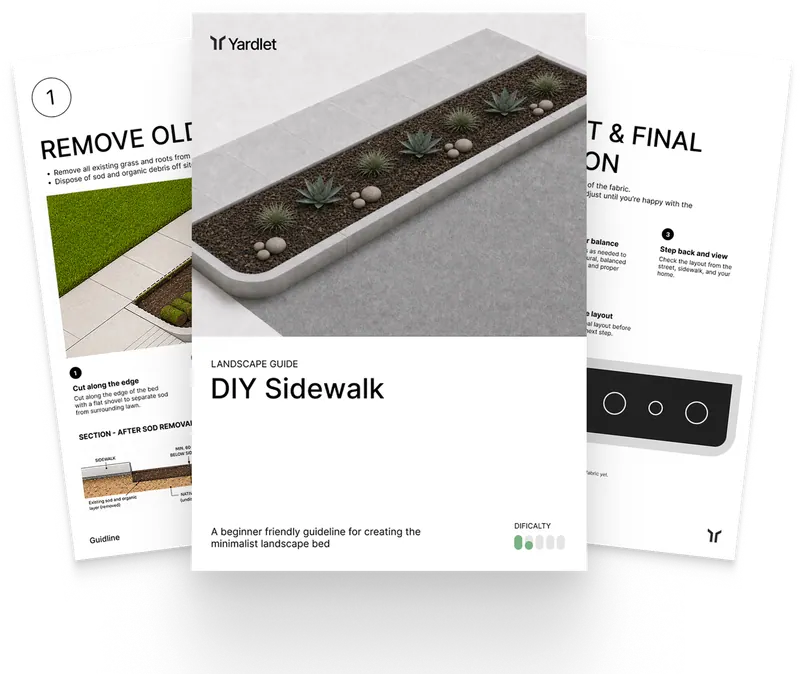 Quantity estimates
Enter your project area and desired depth to calculate the cubic yards you need.
Weight is an estimate and varies by moisture, stone size, compaction, and supplier.