An unfinished corner
Explore a planted border, a small seating spot or a gravel area where bare ground currently interrupts the yard.
Use a photo of your backyard to explore a seating corner, garden path or softer planting. Pin the areas you want to change and describe your idea.
Try the AI Visualizer ↗Explore a planted border, a small seating spot or a gravel area where bare ground currently interrupts the yard.
Preview a path between the door, deck and garden. Describe where it should start and finish, and which existing plants to keep.
Compare a greener retreat with a simple stone-and-plant palette before you commit to buying materials.
One generation is free per signed-in account. Further generations are available through a one-time credit purchase; see the current offer in the Visualizer.
Copy an idea below, adjust it to your backyard, then paste it into the AI Visualizer.
Add a curved stepping-stone path from the deck to the back corner. Keep the existing tree and fence. Use low planting beside the path and leave an open lawn area.
Reimagine the back corner as a small gravel seating area with a fire pit and four chairs. Keep the house, fence and mature trees. Add a curved planted border and keep a clear route from the patio.
Add layered planting along the back fence to create a greener, more private seating corner. Keep the existing patio and trees, and leave the middle of the lawn open. Use a simple palette of shrubs and ornamental grasses.
Replace the narrow lawn strip beside the fence with a gravel garden and groups of low plants. Keep the main lawn, existing trees and patio. Use a clean curved edge and leave space between plants.
Turn the bare area beside the patio into a compact outdoor dining space with a table for six. Keep the house, doors and existing trees unchanged. Add planting around the edges and keep the doorway and walking route clear.
Explore a simple modern backyard with large stepping stones, pale gravel and soft ornamental grasses. Keep the fence, house and mature tree. Preserve an open lawn area and use only a few repeated plant groups.
Idea 1 of 6
Include what to change and what to keep. AI may change details beyond the intended area; review each result.
An AI image explores appearance. It does not establish exact dimensions, drainage, structural details or construction approval. Measure the site, check local requirements, and confirm materials and plant choices before building. The material estimate is a planning range, not a contractor quote.
Estimate ground-material volume →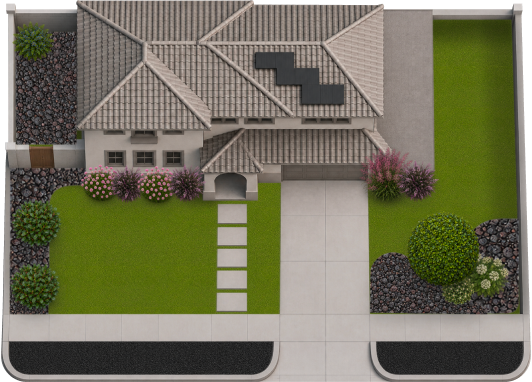
How to arrange it.
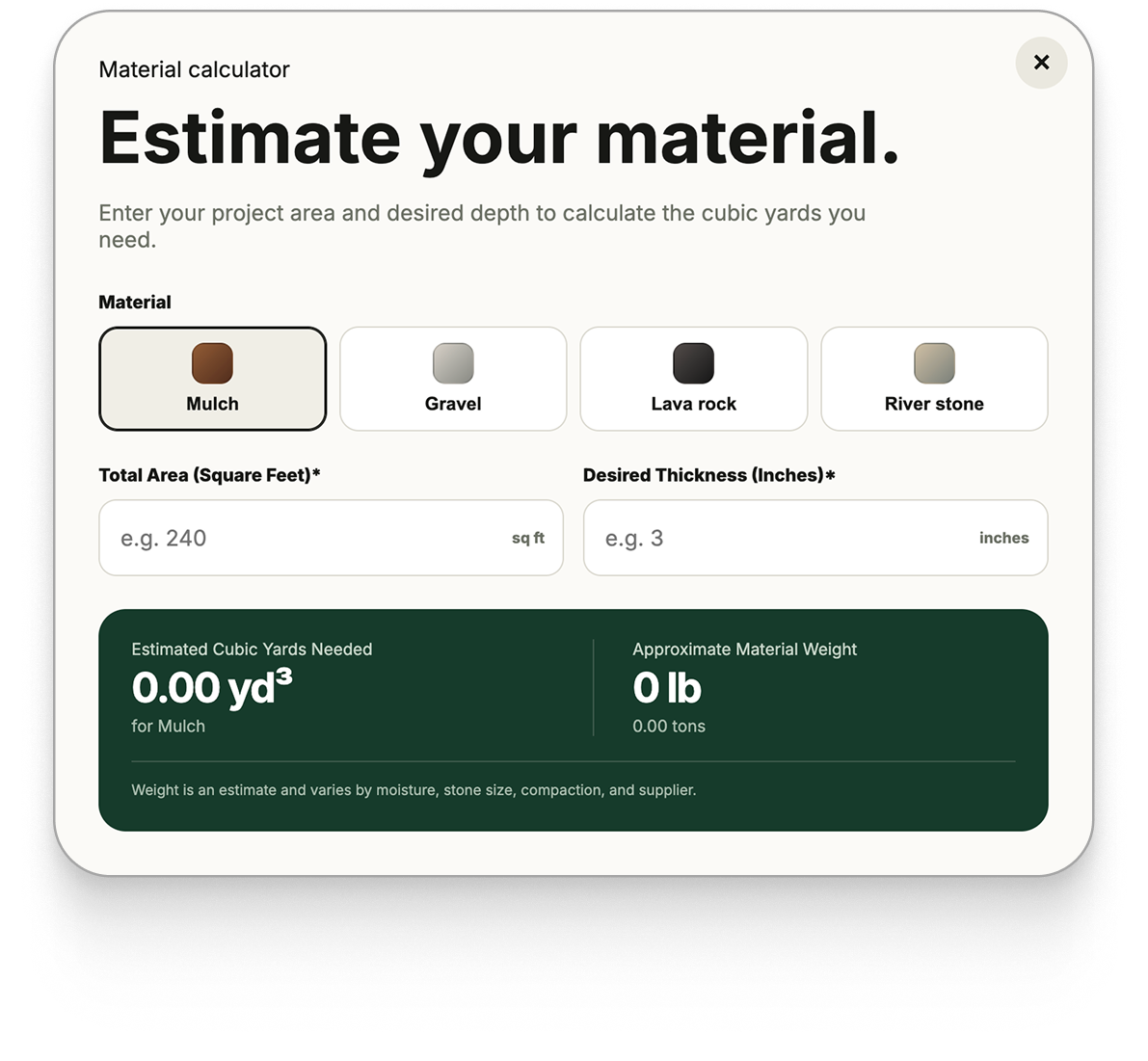
Know how much material you need.